 Web project creator
DC Scaffold
Creates a complete web project in minutes: pick a front and a back end, DC Scaffold installs what is missing, connects everything and explains every file.
- Free · €0
- 5 fronts, 3 back ends, 3 new projects a month
- Pro · €9 / month
- All 11 fronts and 9 back ends, unlimited projects, legal pages, automatic recette, one-click deploy
Windows, macOS, Linux. Or €90 a year, 2 months free. See the plans · Try Pro for 14 days
01 · How it works
Three steps, then it runs
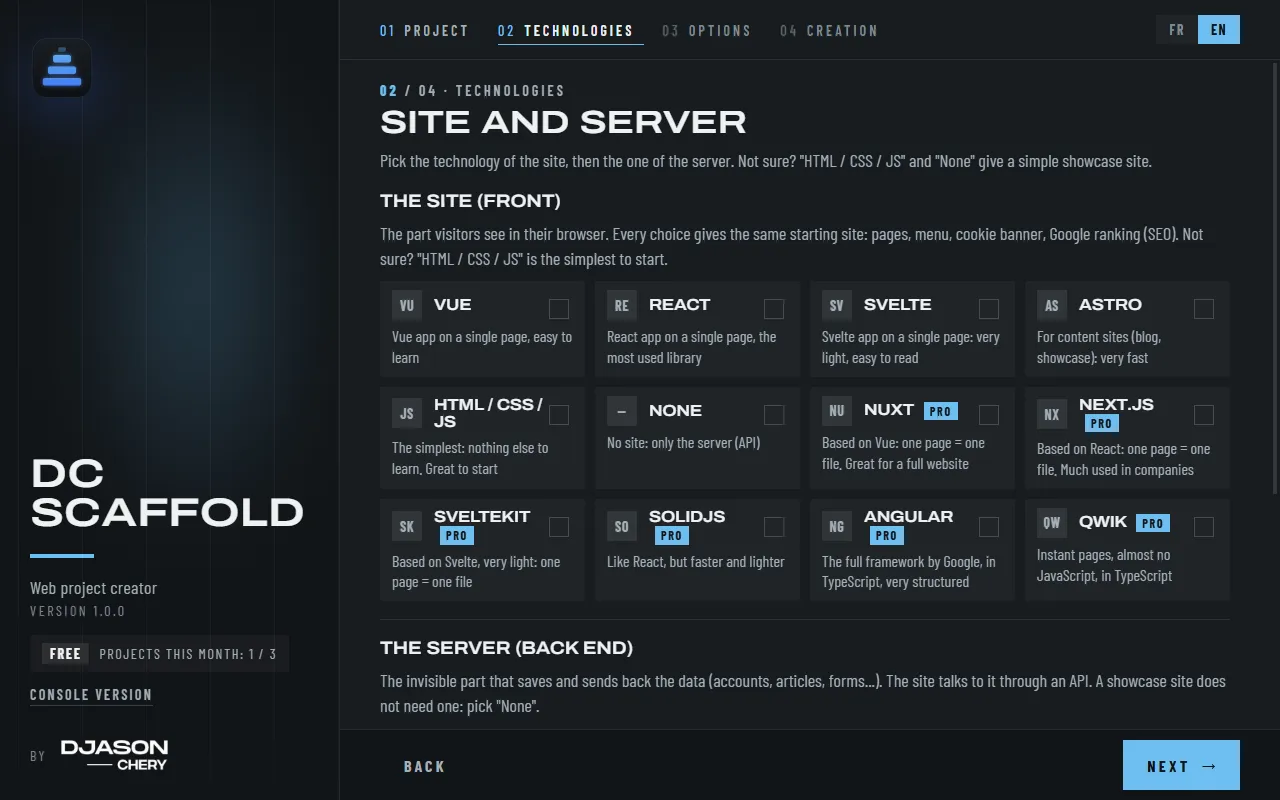
Pick a front (the site visitors see) and a back end (the API that keeps the data): DC Scaffold installs what the computer is missing, creates the project, connects everything and explains every file in the README of the project. No need to be an expert. A window in 4 steps or one console command, in English or in French.
The generator behind all of Djason CHERY’s sitesA robot tests every stack every week with the latest versions and publishes a catalog: updated stacks arrive without reinstalling, and the app offers its own updates.
Install
Download the installer of your system from the latest release: it installs for your account only, without administrator rights.
Create
A name, a front, a back end and the options in the 4-step window (or one console command): DC Scaffold installs what is missing and you follow the creation live.
Build and go online
start.bat then D starts the site and the API. The README of the project explains every file and gives the steps to go online, in order.
02 · What it does
Everything it does for you
What DC Scaffold does, part by part. The free plan and Pro only differ where the table of plans says so.
- 01
Creation
A window in 4 steps (project, site and server, options, creation) or one console command, the creation followed live. Missing tools (Node.js, Docker, Git, PHP, Composer, VS Code) are offered for installation, Docker only when the project needs it.
- 02
Fronts
Nuxt, Next.js, SvelteKit, Qwik, Astro, Vue, React, Svelte, SolidJS (Vite), Angular, HTML / CSS / JS, or none (API only).
- 03
Back ends
Slim 4, Laravel, Symfony, PHP without framework, Nitro, Express, NestJS, AdonisJS, API inside the site, or none (static site).
- 04
Database
MySQL in Docker with phpMyAdmin, or SQLite (a plain file) for the JavaScript back ends; mysqli or PDO for PHP.
- 05
Same architecture everywhere
Same folders in every front, same helpers and JSON format in every API, automatic routes: getAll() in ProductsController gives GET /products.
- 06
A ready site
App shell, one light loader, cookie banner with settings, 404 page, SEO (meta, Open Graph, JSON-LD), sitemap.xml and robots.txt, one or two languages, down to 320 px wide and high.
- 07
Quality
TypeScript or JavaScript; zero error and zero warning in every new project (ESLint, types, build, browser console), checked before every version.
- 08
Every day
start.bat (./start.sh on macOS and Linux): development, install, build, backup and restore of the local database. Each project’s README gives the steps to go online, in order, for its hosting. Pro: French legal pages from a questionnaire, automatic recette with a PDF report, one-click deploy (FTP / SFTP, Cloudflare Pages).
- 09
In the app
« What’s new » once after each update with the notes of the new version, « Need help? » to send a question from the app, and « Try Pro for 14 days » in Settings, License.
03 · Screens
See it at work
Real screens of DC Scaffold, as you will see them.
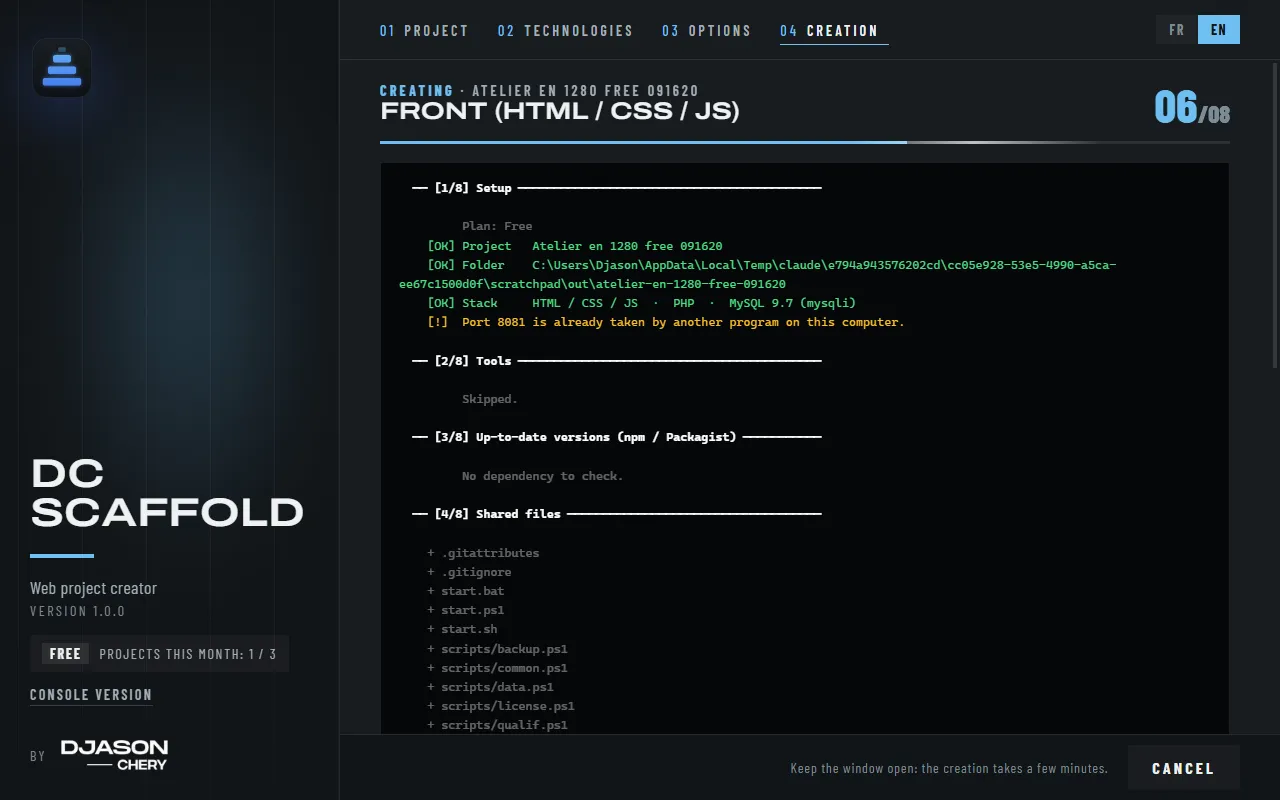
Creation followed live 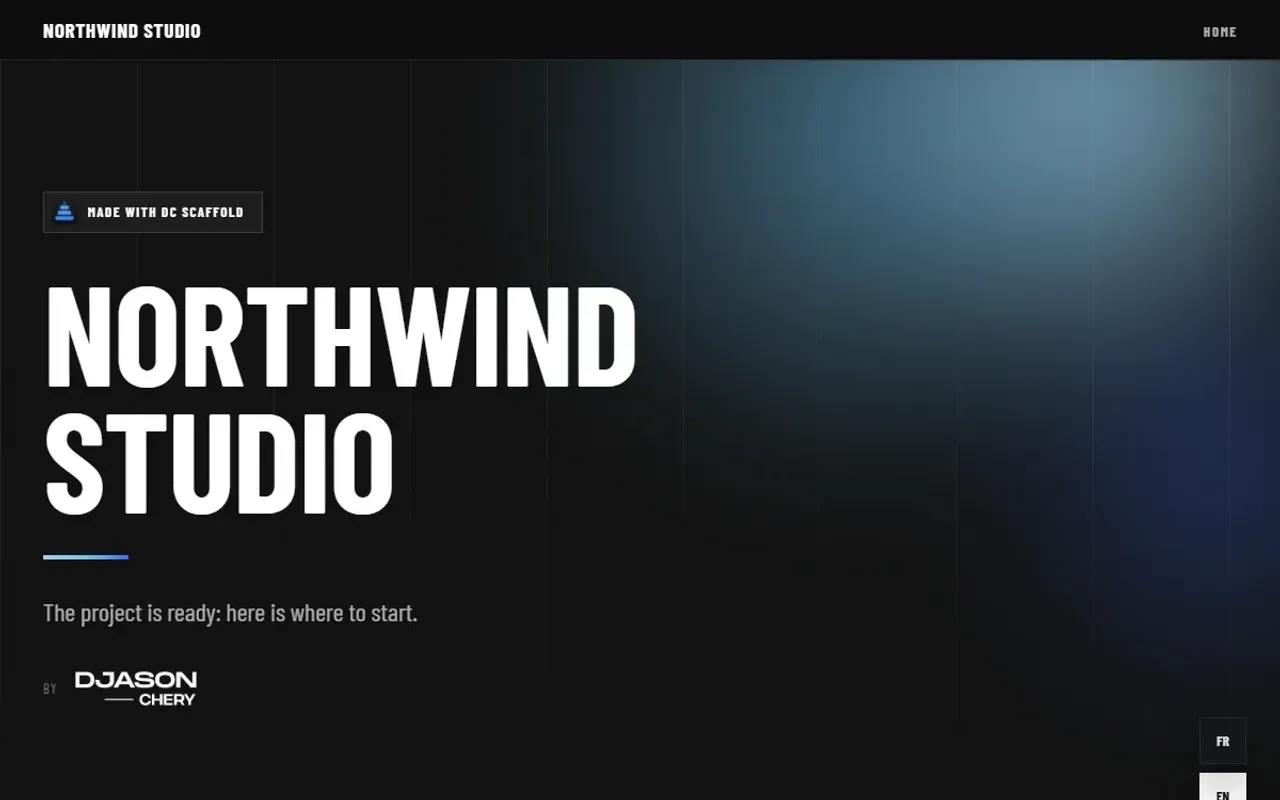
A new site 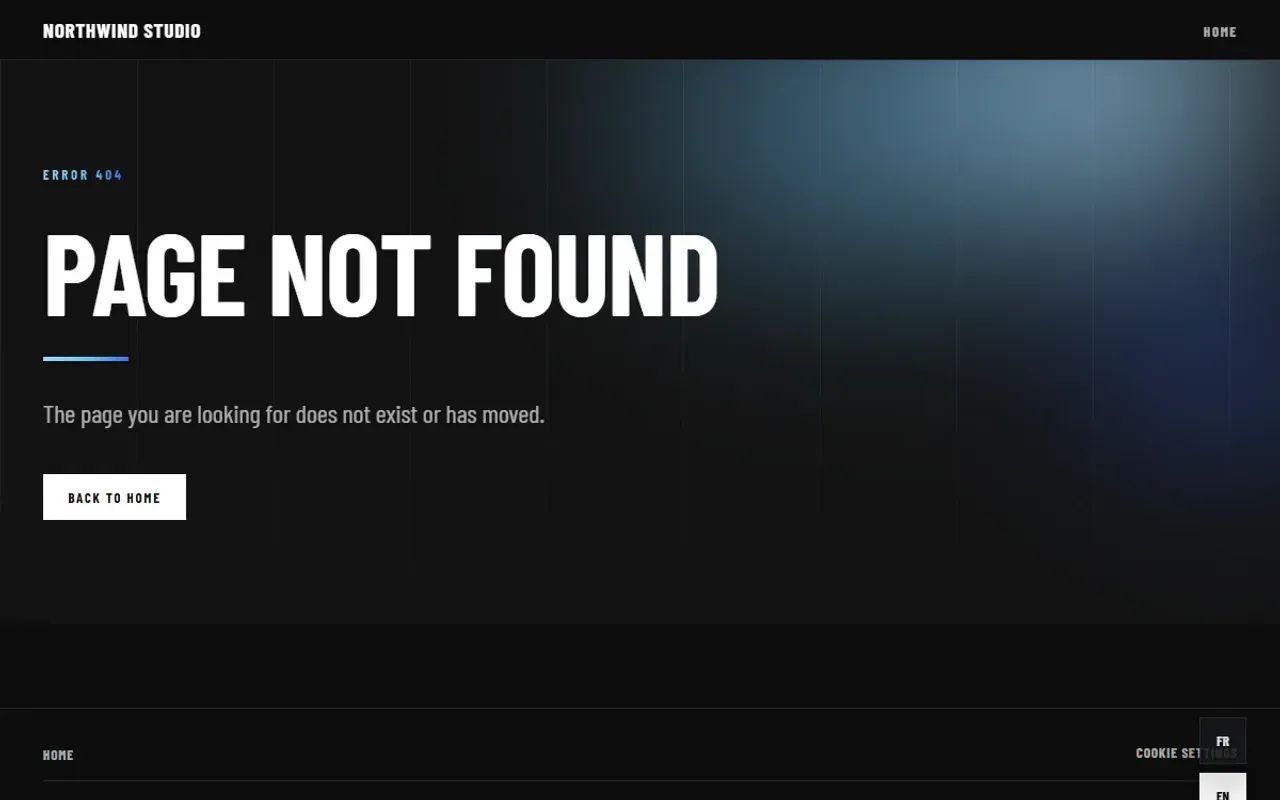
Its 404 page and footer 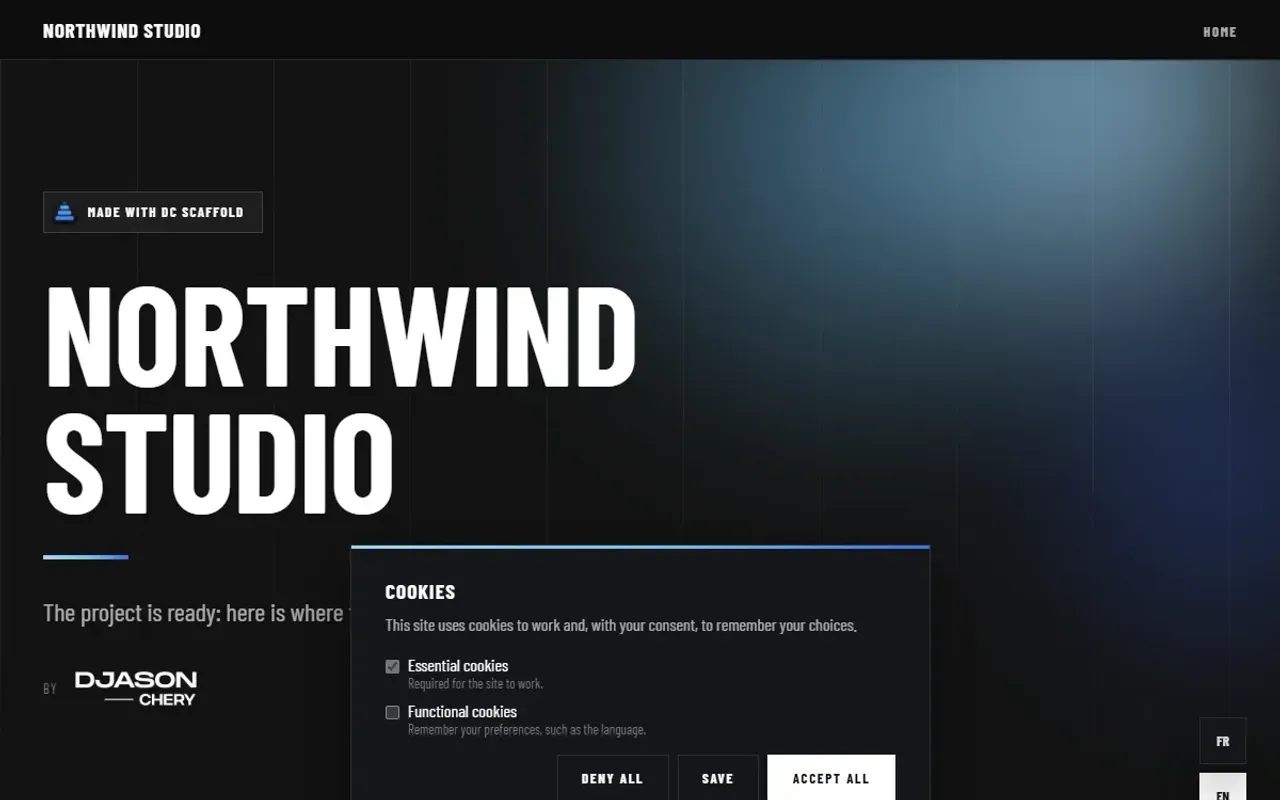
Cookie settings 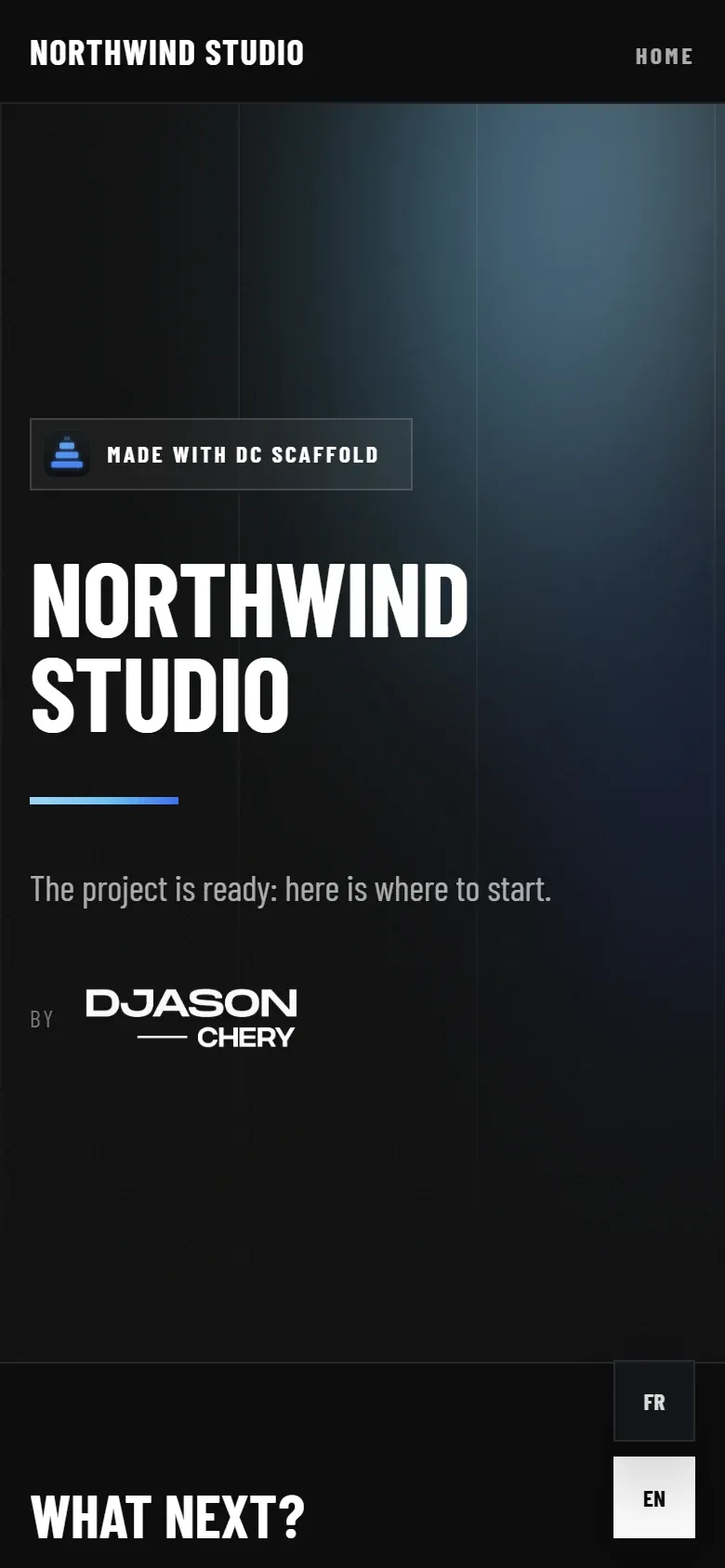
On a phone
04 · Free vs Pro
Plans and prices
Free to start, with no time limit. Pro lifts the limits, by month or by year, and you can cancel at any time.
Prices in euros, VAT not applicable, art. 293 B du CGI.
Sold to professionals only
Free
€0 forever
No card, no time limit.
5 fronts, 3 back ends, 3 new projects a month
Pro
€9/ month
€90/ year
Launch: €6.30 / month for life, for the first 50 customers.
Launch: €63 / year for life, for the first 50 customers.
All 11 fronts and 9 back ends, unlimited projects, legal pages, automatic recette, one-click deploy
DC Complete
€29/ month
€290/ year
Launch: €20.30 / month for life, for the first 50 customers.
Launch: €203 / year for life, for the first 50 customers.
DC Scaffold, DC Prospect and DC Sentinel in Pro with one licence key: paste the same key in each tool.
Try Pro
Try Pro for 14 days
A Pro key by e-mail, valid 14 days.
Key by e-mail
Sent right after the payment. Paste it in Settings, License: Pro is on at once.
Cancel any time
From the Stripe customer portal. Pro stays until the end of the period already paid.
Your data stays yours
Your projects, prospects and sites stay on your computer and in your own accounts.
Works offline
14 days without internet, then back to the free plan until the key can be checked.
| Feature | Free | Pro |
|---|---|---|
| Price | €0 | €9 a month or €90 a year (-30 % for life for the first 50 customers) |
| Fronts | HTML / CSS / JS, Vue, React, Svelte, Astro | All 11, plus your own stacks |
| Back ends | PHP, Slim, Express | All 9, including the API inside the site |
| New projects | 3 per calendar month | Unlimited |
| Footer credit of the sites | “Made with DC Scaffold” (kept) | Your name, or no credit |
| TypeScript or JavaScript, SEO, 320 px, cookies, ESLint, security basics | Included | Included |
| Local backups (start.bat K / O) | Included | Included |
| Qualif (start.bat Q) and design switch (start.bat P) | Not included | Included |
| DC Sentinel backup address in the API | Not included | Included |
| French legal pages from a questionnaire (legal notice, GDPR privacy policy with the cookies, terms of sale when the site sells) | Not included | Included |
| Automatic recette with a PDF report (start.bat T: Lighthouse mobile + desktop, axe-core, security headers, 320 px, broken links) | Not included | Included |
| One-click deploy (start.bat U: FTPS / FTP, SFTP, Cloudflare Pages; only the changed files, password encrypted on the computer) | Not included | Included |
05 · Questions
Good to know
The licence key, the subscription, the offline use and the first install.
Do the projects I create belong to me?
Yes. The projects you generate are yours, on the free plan as on Pro. With the free plan, their footer shows the credit “Made with DC Scaffold”; with Pro it shows your name, or no credit.
How are the 3 free projects counted?
Each new project created counts once, on your computer. The counter starts again on the first day of every calendar month.
Is the free plan really free?
Yes, with no time limit and no card: download, install, use. Pro only lifts the limits of the free plan.
Can I try Pro before paying?
Yes: Try Pro for 14 days, with your e-mail only, no card. A Pro key valid 14 days is e-mailed to you; at the end DC Scaffold goes back to the free plan, nothing is lost. One trial per e-mail and per offer.
What is DC Complete?
The three tools in Pro with one key: DC Scaffold, DC Prospect and DC Sentinel, for less than the three on their own. Its prices are on the home page and next to the plans of each tool; running offers apply to it too.
How does the licence key work?
After the payment, your key (DC-XXXXX-XXXXX-XXXXX-XXXXX) is e-mailed to the address used for the purchase. Paste it in DC Scaffold, Settings, License: Pro is unlocked at once. Each key is for one tool. The app checks the key when it starts and every 24 hours.
How does the subscription renew?
Monthly or yearly (2 months free on the yearly plan, prices above), renewed automatically by Stripe at the end of each period until you cancel.
Can I cancel at any time?
Yes, from the Stripe customer portal, with your e-mail: Manage my subscription. Pro stays active until the end of the period already paid, then the app goes back to the free plan. Nothing is lost: your data stays, only the free limits apply again. The portal also holds your card and your invoices.
What if I am offline?
The app keeps its last valid check: Pro keeps working for 14 days without internet, then goes back to the free plan until it can check the key again.
What about the launch offer?
Running offers are shown next to the prices with their conditions (discount, duration, places left). The discount is applied automatically at checkout and kept for its stated duration.
Who can buy?
Pro and DC Complete are sold to professionals only for now (freelancers, companies, associations buying for their business): the payment asks for your company or SIRET. The free plan and the 14-day trial stay open to anyone.
Who can buy?
Professionals and individuals. If you buy as a consumer, you ask for immediate access to the key at checkout and waive the 14-day withdrawal right once it is delivered; the consumer mediator is named in the terms of sale.
Is VAT added?
No, the prices shown are the prices you pay: TVA non applicable, art. 293 B du CGI (French VAT exemption of micro-businesses). Payment by card through Stripe.
Windows says “Windows protected your PC”
The installers are not code-signed yet, so Windows SmartScreen may warn on the first install. Click More info, then Run anyway. On macOS, the first time: System Settings, Privacy & Security, Open Anyway (or right-click the app, Open).
06 · The family
The other DC tools
The same way of working, for the other parts of your job.

